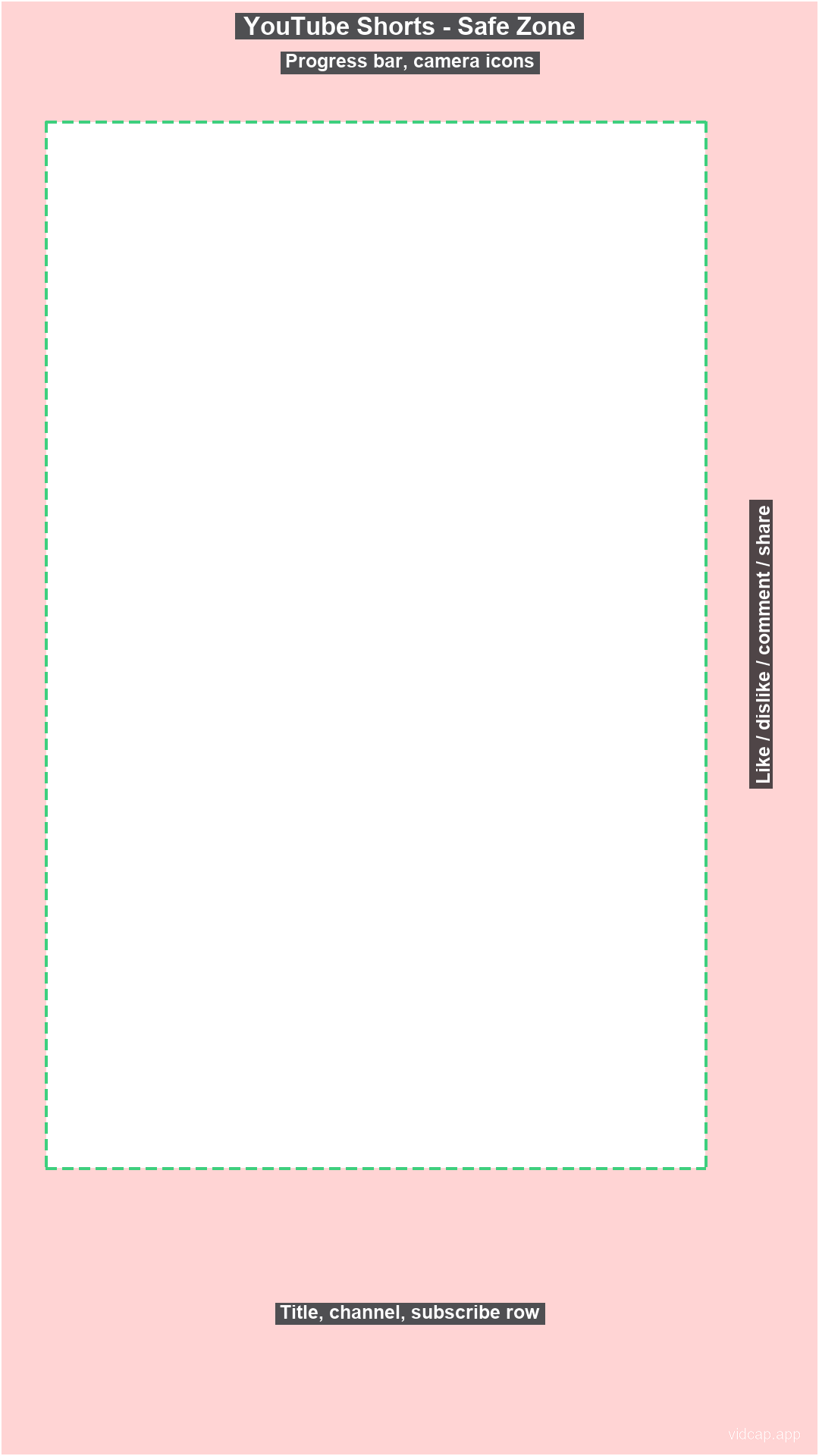
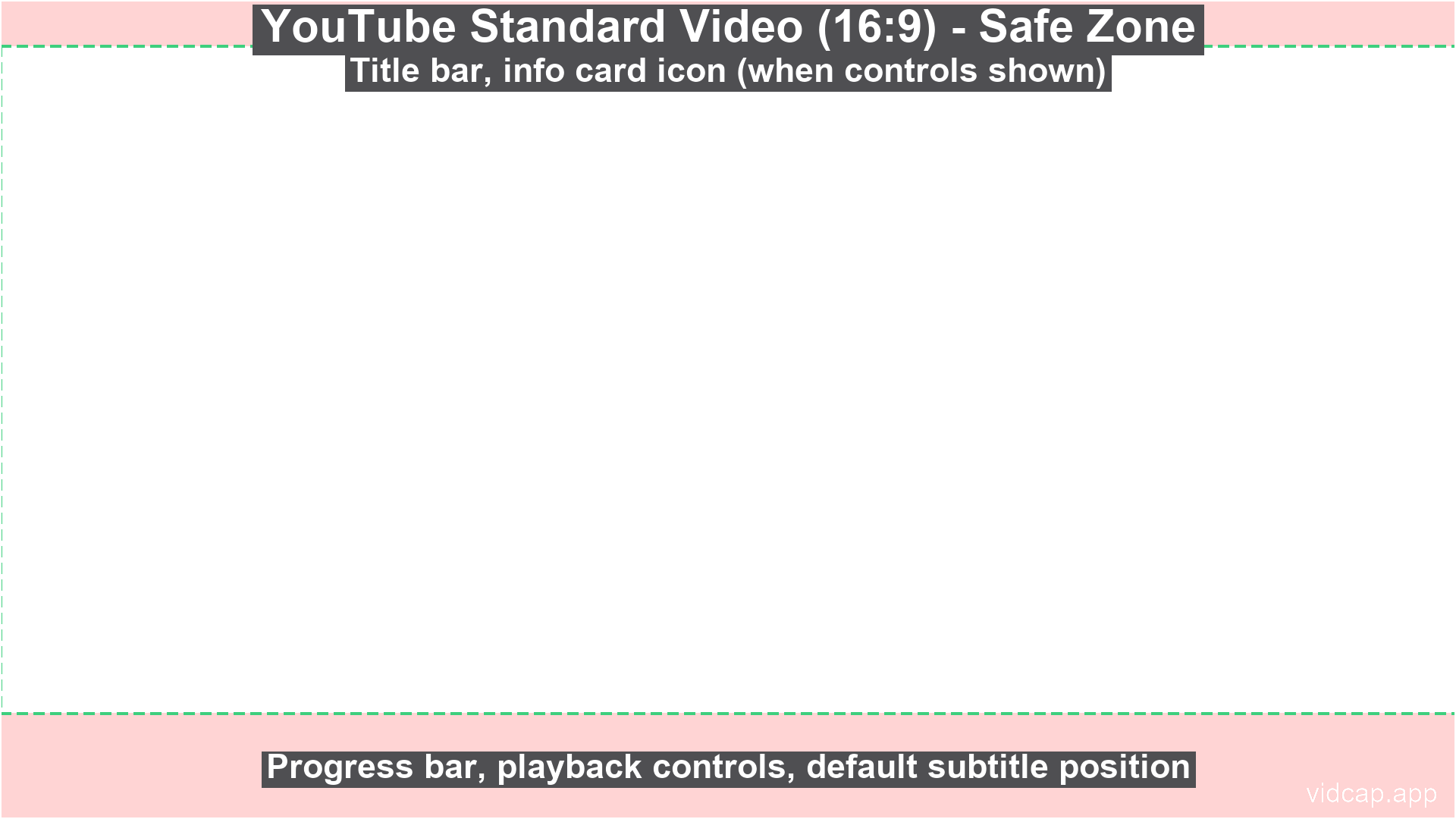
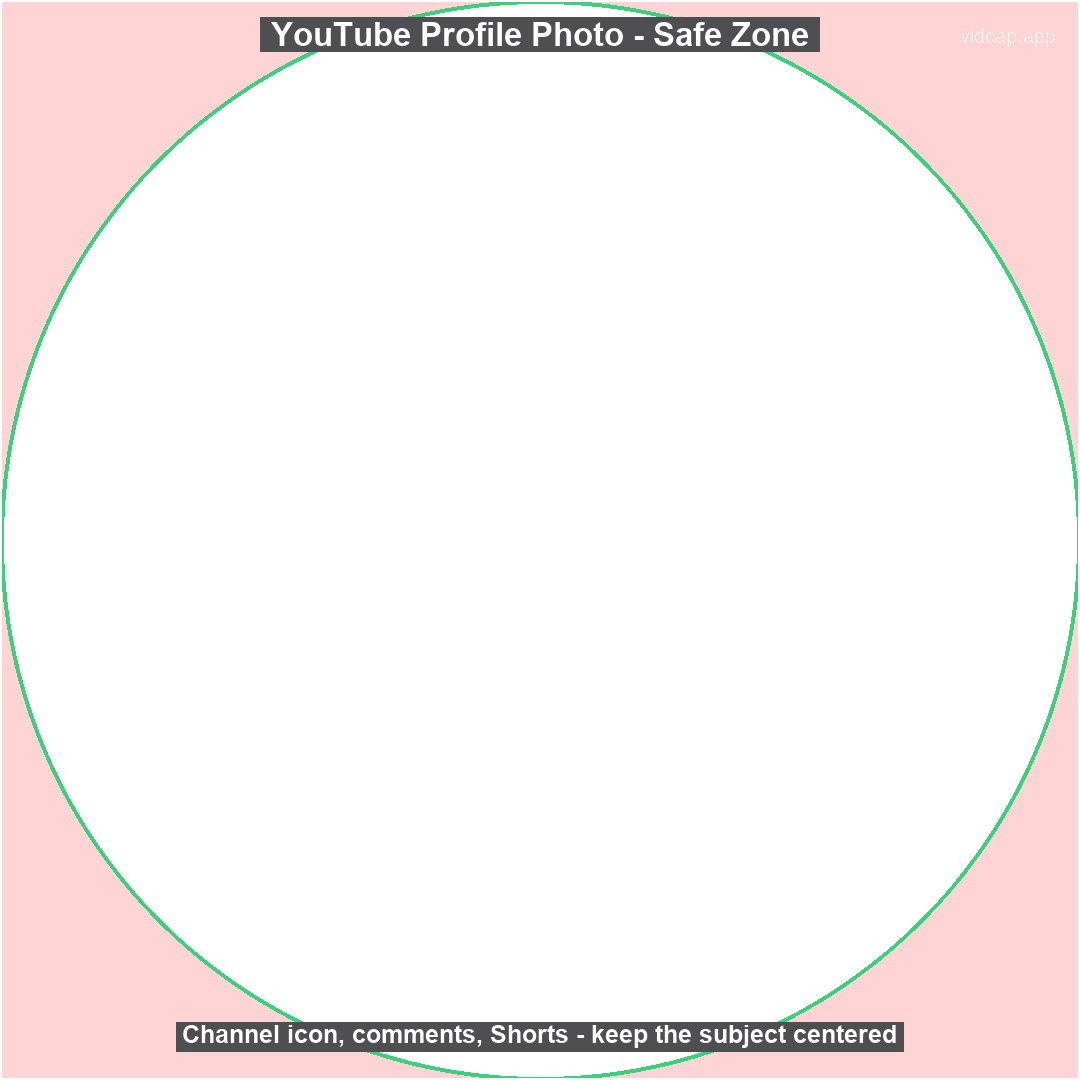
YouTube Channel Banner Safe Zone
A free 2048×1152 transparent PNG overlay showing where YouTube's
own on-screen UI covers a channel banner, based on current publicly documented creator guides
(platform UIs shift over time, so treat this as a strong reference and preview before posting).
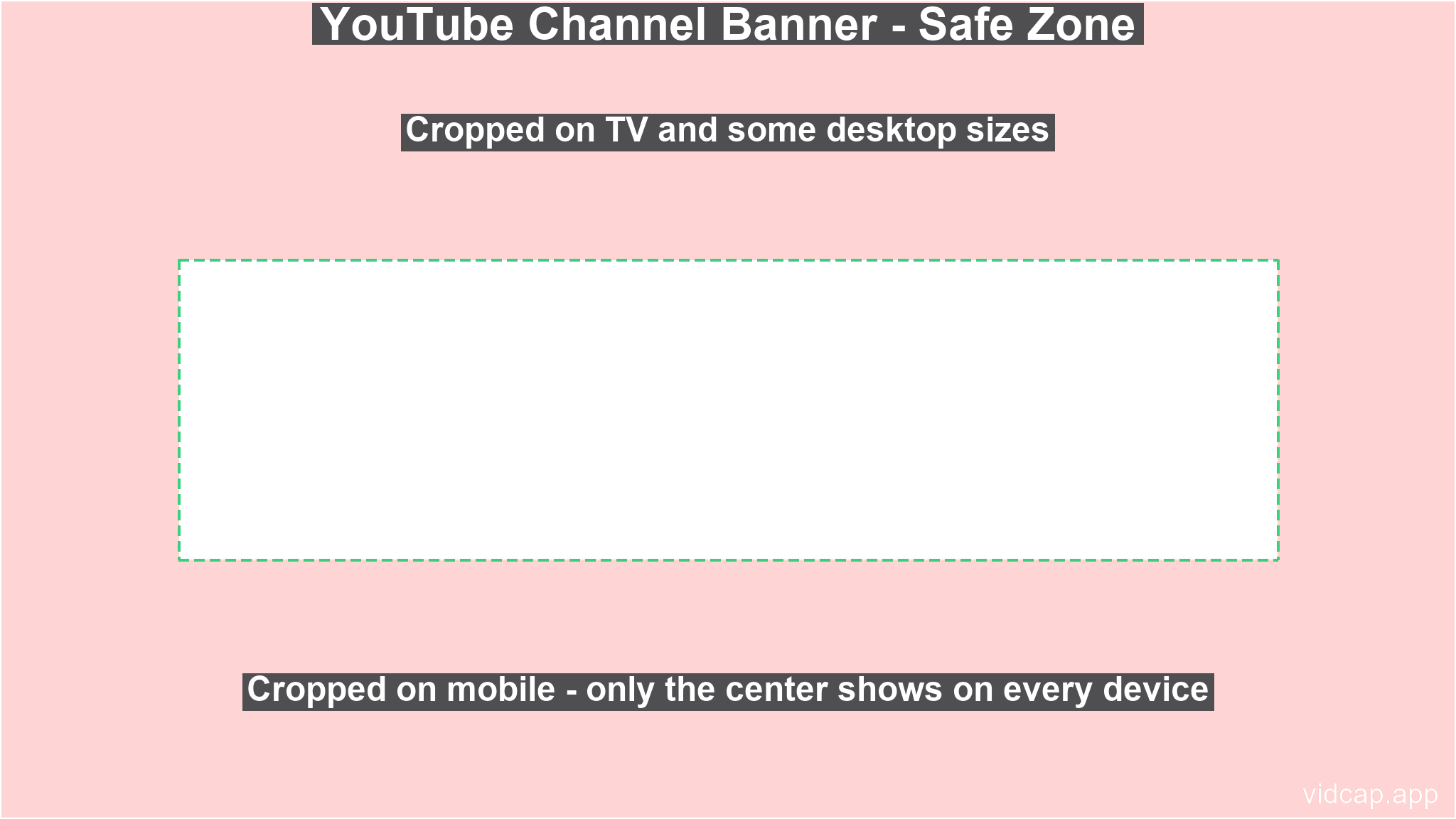
Drop this PNG onto the top track of your timeline in Premiere, After Effects, DaVinci, CapCut, or any editor that supports overlays. Keep your captions, faces, and key graphics inside the dashed green area, then hide or delete the overlay layer before exporting.